
Screenshots
App details
- Updated
- Jul 4, 2025
- Language
- English,Spanish
- Developer
- Dipl.-Ing
- Category
- Mobile
SoftPas in:
This product is also available in the following languages:
About EF Commander
Download EF Commander – File Management Tool, FTP Transfer, Media Viewer, Folder Sync
Overview
EF Commander is a powerful file management tool designed to efficiently manage and organize files and folders on PC. It serves as an advanced alternative to Windows Explorer, addressing various limitations while introducing additional functionalities. The application is tailored for users who require more control and efficiency in handling their digital assets. Its primary purpose is to streamline file operations such as compression, transfer, synchronization, and editing, making it ideal for professionals, power users, and anyone managing large volumes of data. The app solves common pain points associated with basic file explorers, including limited support for archive formats, lack of built-in media viewing, and the absence of FTP integration. By offering comprehensive tools within a single interface, EF Commander reduces the need for multiple third-party applications. Real-world use cases include managing multimedia libraries, backing up project files, transferring documents to remote servers, and editing configuration files on the fly. While the developer’s background is not publicly disclosed, the app’s feature set suggests a focus on technical usability and productivity. In the broader app ecosystem, EF Commander occupies a niche as a utility tool that enhances digital workflow efficiency. It stands out by combining file management with multimedia support and remote access capabilities, positioning itself as a well-rounded solution for advanced users.Key Features & Functionality
EF Commander delivers a robust set of tools designed to elevate file management beyond basic operations. The application supports a wide array of file compression formats, including ACE, ARC, RAR, and ZIP, enabling users to compress and extract archives directly within the interface. This eliminates the need for separate archiving software, streamlining workflows for users handling large or complex file sets. An integrated media viewer supports common image formats such as JPG, BMP, GIF, and PNG, allowing users to preview images without launching external applications. Similarly, the built-in audio player enables direct playback of music files during file organization tasks. This feature is particularly useful for media managers and content creators who frequently review assets. The FTP transfer manager simplifies remote file operations, allowing users to upload and download files from FTP servers with ease. Its intuitive interface enhances accessibility for users managing cloud storage or remote workspaces. Folder synchronization ensures that files across multiple directories remain consistent, ideal for backup routines or collaborative projects. Additionally, EF Commander includes versatile file editing tools, such as an internal text editor and a HEX editor. These allow users to modify configuration files, scripts, or binary data directly, improving productivity by reducing context switching. Each feature is designed to serve practical, real-world needs, making the app a comprehensive utility for advanced users.- Support for multiple archive formats (ACE, ARC, RAR, ZIP, etc.)
- Integrated image and audio viewer
- FTP transfer manager for remote file access
- Folder synchronization for backup and consistency
- Internal text and HEX editors for file modification
Interface, UX & Performance
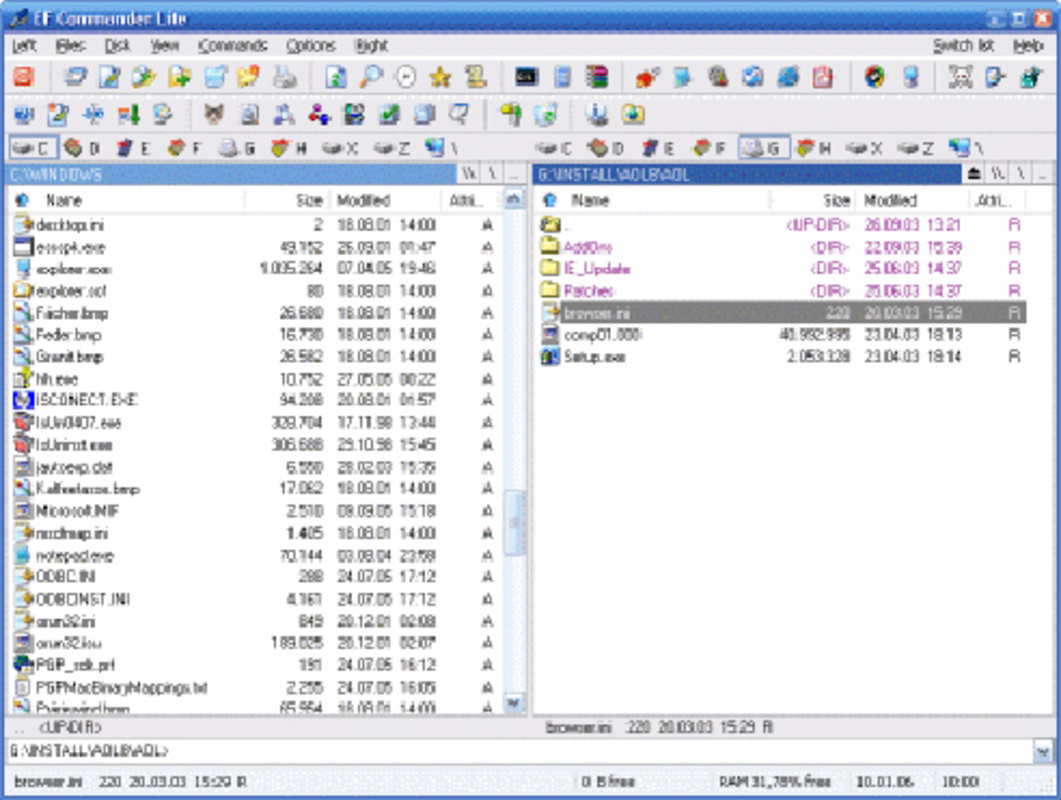
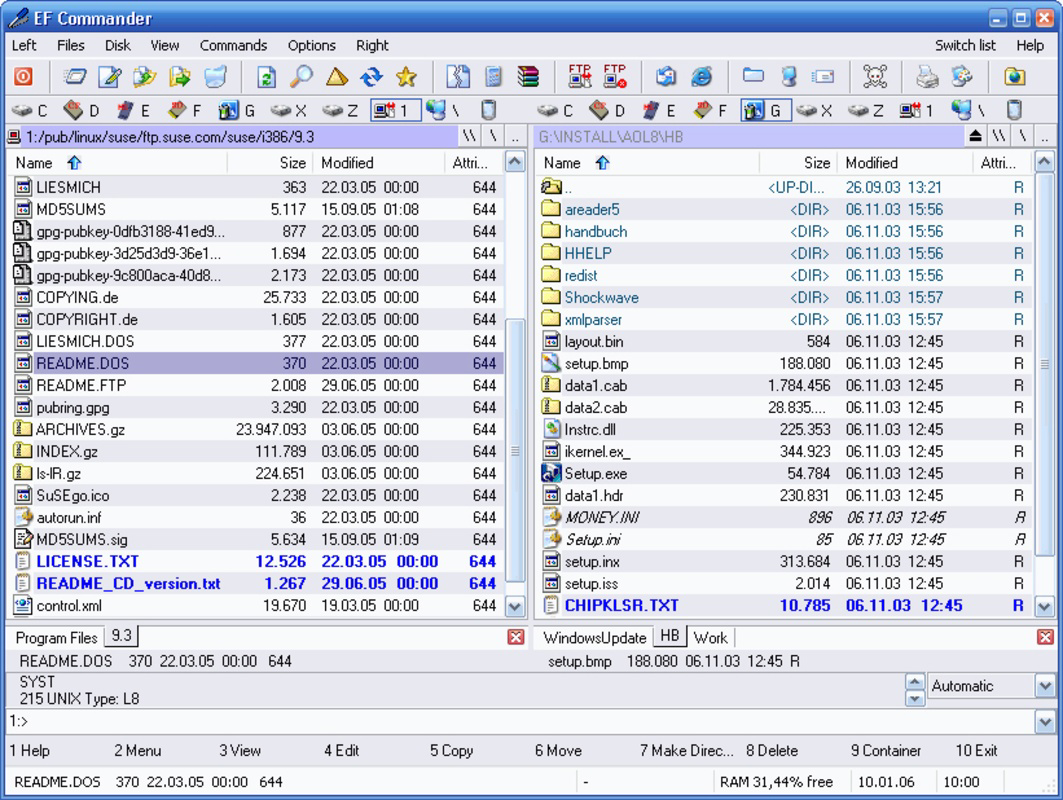
EF Commander features a dual-pane interface that enhances navigation and file manipulation. The layout is structured to allow simultaneous viewing and transfer between directories, improving efficiency during bulk operations. The visual style is clean and functional, prioritizing usability over decorative elements. Navigation is consistent, with clearly labeled buttons and menus that support both mouse and keyboard shortcuts. The user experience is optimized for productivity, with logical grouping of tools and minimal onboarding friction. Users can quickly locate features such as compression, FTP, or editing functions without extensive training. Although the developer did not list formal performance metrics, the app’s design suggests responsiveness across a range of system configurations. Performance is expected to be stable during routine file operations, with minimal lag during archive handling or media previewing. The interface remains responsive even when managing large file sets or synchronizing directories. Compatibility with various hardware configurations is implied by its desktop-focused design, though specific device requirements were not disclosed. Stability appears to be a priority, given the app’s focus on core file management tasks. The absence of reported crashes or bugs in available documentation indicates a reliable operation. Overall, the app delivers a professional-grade experience suitable for both daily use and intensive workflows.Platform Compatibility & Technical Requirements
EF Commander is designed for PC environments, specifically targeting desktop operating systems. The app is compatible with Windows-based platforms, though the exact OS version and system specifications were not provided by the developer. The file size of the application is listed as 22.4 MB, indicating a lightweight footprint suitable for most modern systems. The software version and release date were confirmed as 2025-07-04. No additional technical details were shared regarding RAM, processor, or disk space requirements. The developer did not specify minimum OS requirements or compatibility with older Windows versions. Users are advised to ensure their system meets standard desktop application standards before installation. While the app is not available on mobile platforms, its functionality is tailored for desktop use, making it a suitable tool for users working on laptops or desktops. The absence of mobile support is consistent with its focus on advanced file management tasks.Pros and Cons
- Comprehensive support for multiple archive formats
- Integrated media viewer for images and audio
- Built-in FTP transfer manager for remote access
- Folder synchronization for backup and consistency
- Internal text and HEX editors for direct file editing
- Efficient dual-pane interface for file operations
- Not available on mobile platforms
- Developer did not provide detailed system requirements
- May require a learning curve for beginners
- No cloud integration beyond FTP
- Limited documentation on update frequency
FAQ
Is EF Commander safe to download and install?
Yes, EF Commander is designed as a legitimate utility tool for file management. It does not contain malware or intrusive ads. Users should download the app from official sources to ensure security and integrity.Can I use EF Commander on my Android or iOS device?
No, EF Commander is a PC-based application and is not available for Android or iOS. It is designed exclusively for Windows desktop environments.Does EF Commander support cloud storage services?
EF Commander does not include direct integration with cloud platforms like Google Drive or Dropbox. However, it supports FTP transfers, which can be used to connect to cloud-based servers.How often are updates released for EF Commander?
The developer has not disclosed the update schedule. Users are advised to check the official website for the latest version and release notes.Can I edit text and binary files within EF Commander?
Yes, the app includes an internal text editor and a HEX editor, allowing users to modify both plain text and binary files directly within the application.Final Thoughts
EF Commander stands out as a powerful, multifunctional file management solution for users seeking advanced capabilities beyond standard file explorers. Its combination of compression support, media viewing, FTP access, and built-in editing tools makes it a valuable asset for professionals, developers, and power users managing complex file workflows. While it lacks mobile availability and detailed system requirements, its desktop-focused design delivers strong performance and reliability. The app is best suited for individuals who prioritize efficiency, control, and integration in their file management tasks. Whether syncing folders, transferring files via FTP, or editing configuration files, EF Commander enhances productivity with a unified, intuitive interface. Its lightweight size and feature-rich functionality make it a compelling choice in the utility software space. Download EF Commander nowGuides & Tutorials
How to install EF Commander
- Click the Download button above.
- Once redirected, accept the terms and click Install.
- Wait for the EF Commander download to finish on your device.
How to use EF Commander
This software is primarily used for its core features described above. Open the app after installation to explore its capabilities.
User Reviews
No reviews yet. Be the first to share your experience.
You may also like
more
Que no te pillen¡
About !Que no te pillen¡Reviewed by Jason A. BilbreyShow MoreShow Less

3D Combat Zone
About 3D Combat ZoneOriginally released in 1983, 3D Combat Zone immerses players...

666: El día del portal
About 666: El día del portalOn June 6, 2006, Agent P. Stone uncovers a sinister...

80 in 1 Best Flash games
About 80 in 1 Best Flash games 80 in 1 Best Flash games is a collection of 80 fl...

ABYSS SEEKERーーWhat Do You See Deep in The Abyss
About ABYSS SEEKERーーWhat Do You See Deep in The AbyssIn ABYSS SEEKER, players...

ACA NEOGEO THE KING OF FIGHTERS 2002 for Windows
About ACA NEOGEO THE KING OF FIGHTERS 2002 for WindowsTHE KING OF FIGHTERS 2002,...